ZOA Weapon Modding
Author weapon attachments and validate how they fit.
Define where an attachment mounts and which weapons it fits. Weapon Modding connects those rules to your models and tracks the assembled weapon as attachments are added or removed.
Create Attachment guides you through an attachment definition. For weapons, use Create Weapon in Armory or Batch Weapon Ingest to process a collection of models. Check suggested classifications and mount assignments before creating the assets.
Tooling
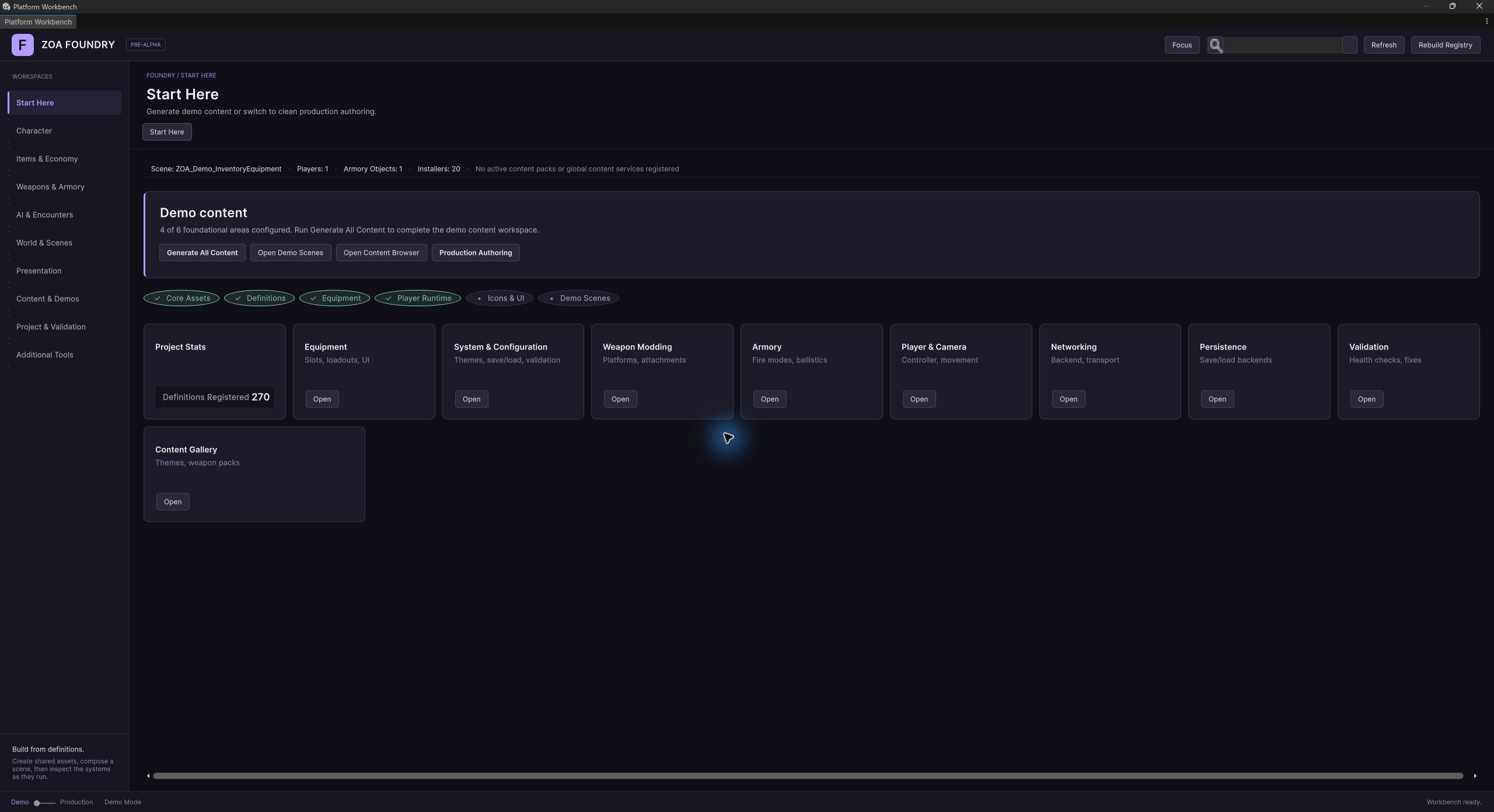
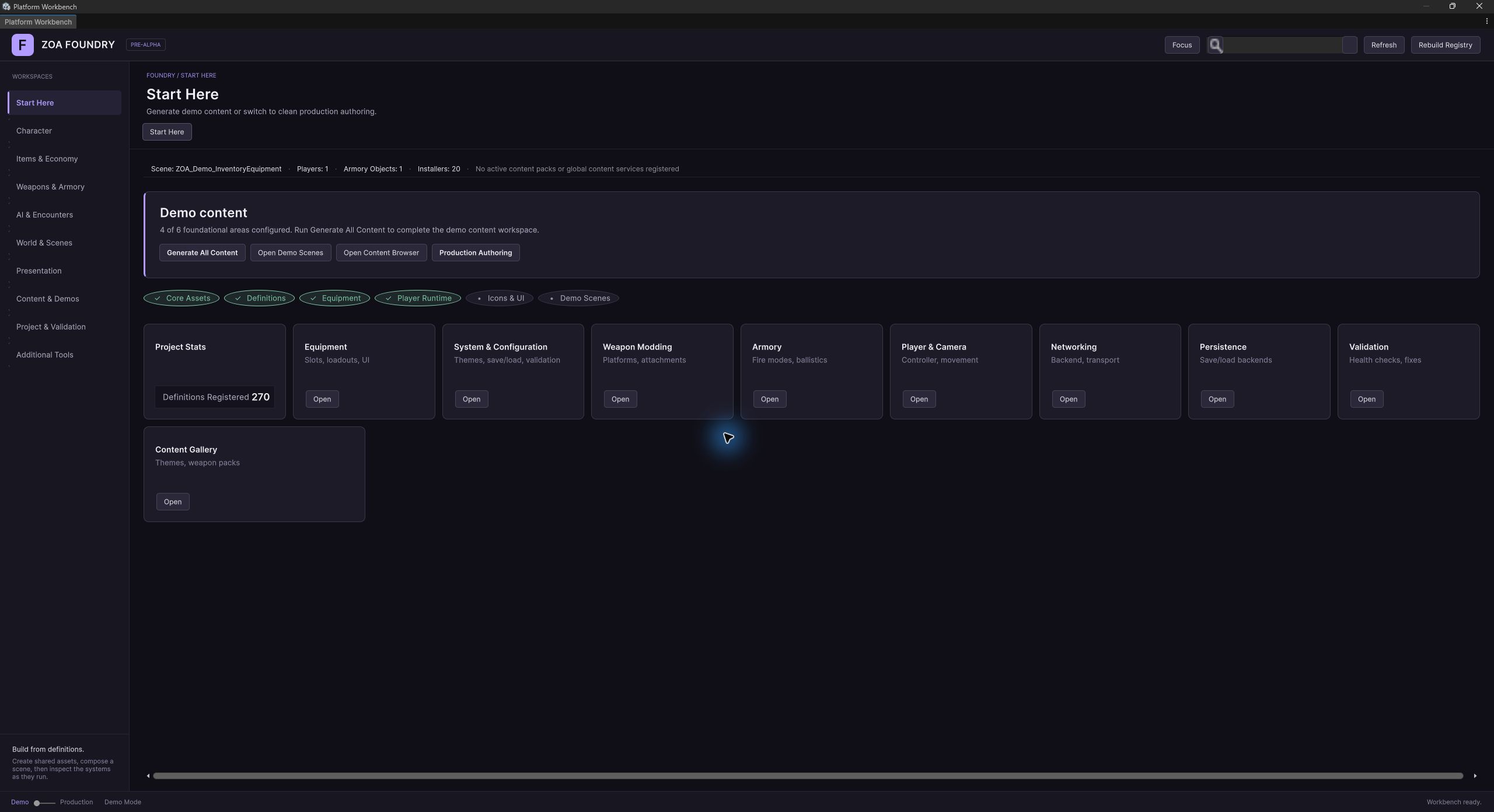
Editor tools
Weapon Modding Workbench module
ZOA Workbench > Weapon Modding
Registered at order 140 under the workflow.weapons-armory lane. Surfaces one capability per definition type, each a browse, edit, validate, duplicate, and delete editor over the matching assets, alongside the attachment and taxonomy wizards. The Tools menu items route into this module.
Attachment Wizard
Tools > ZOA > Advanced > Define > Weapons > Attachment Wizard
A five-step wizard on the shared FoundryWizardShell. Each step reads and writes one AttachmentWizardDraft, and only the Summary step writes an AttachmentDefinition to disk. It reuses the five-piece scaffolding of the Weapon Wizard, so authors switch between them without relearning the shell.
Taxonomy wizards
Tools > ZOA > Advanced > Define > Weapons > Taxonomy
Seven wizards, one per taxonomy asset: Set, Family, Manufacturer, Caliber, Class, Model, and Platform. Each shares a draft, a catalog, and a step descriptor with the others, and each is also reachable as a Workbench capability.
Batch Weapon Ingest
Tools > ZOA > Advanced > Generate > Weapons > Batch Weapon Ingest
Surfaces the auto-importer as a five-step wizard so a whole folder of FBX models becomes weapon, attachment, and presentation assets in one sweep. The Resolve step is dynamic: one foldout per scan candidate with per-candidate taxonomy links and buttons that route to the taxonomy capabilities. For a headless path, drive WeaponModelAutoImporter directly.
Weapon Alignment Wizard
Tools > ZOA > Advanced > Define > Weapons > Weapon Alignment Wizard
Scene-view handle authoring for the muzzle, shell-eject, ADS, and grip offsets on a presentation asset. Owns a preview instance so handles drag against the real mesh, supports first-person and third-person modes, and can stage the bundled player prefab with hand IK so the weapon is tuned against the actual rig without entering play mode.
Auto-Align All Weapons (Safe)
Tools > ZOA > Advanced > Define > Weapons > Auto-Align All Weapons (Safe)
Runs the alignment auto-tuner across the project's weapons, baking estimated anchor offsets into presentation assets. The four-stage anchor resolution behind it, named anchor then authored offset then hierarchy hint then renderer bounds, is the same one the runtime placement path uses.
From the development project
Screenshots
Declared ZOA dependencies (3)
Referenced by ZOA manifests (8)
How it works
Concepts
Weapons and attachments are both items
WeaponDefinition and AttachmentDefinition both extend Inventory's ItemDefinition, and WeaponInstance and AttachmentInstance both wrap an ItemInstance. That inheritance is the reason a scope can be carried in a backpack, dropped on the floor, traded, and installed without anything special happening at each boundary.
The runtime wrappers exist to carry modding-specific state that must not be written back onto the shared definition asset. AttachmentInstance holds the set of mount types it accepts and a folded flag; WeaponInstance holds the attachment graph and a dictionary of installed instances keyed by instance id. Both delegate identity straight to the underlying ItemInstance, so the inventory and the modding view of the same object never diverge.
IModdableInstance is the interface the modding inspector actually programs against. It is named for what it does rather than for weapons specifically, because helmets and armour want the same mount-point behaviour and there is nothing weapon-shaped in the contract.
Mount paths are strings, and the graph enforces occupancy
AttachmentGraph is a dictionary from a normalised mount path to an attachment instance id. Paths are slash-separated, so "topRail" is a root mount and "topRail/cantedRail" is a sub-mount provided by whatever is installed at topRail. Normalisation trims, converts backslashes, collapses repeated separators, and strips leading and trailing slashes, and lookups are case-insensitive.
The graph's only rule is occupancy: TryAttach refuses a path that already holds something and reports why in an out parameter rather than throwing. That out-string pattern runs through the whole package, because installing an attachment is a user-facing action that fails for boring, explainable reasons and the UI needs the sentence.
MountPointValidator handles the question the graph cannot: whether a path exists at all. It builds an effective tree from the weapon's root mount points plus the sub-mounts contributed by installed attachments, then validates that a path is present and that its parent is present too. The overload that takes an AttachmentGraph goes one step further and refuses a sub-mount whose parent slot is empty, which is the difference between a path that could exist and one that exists right now.
Compatibility is a type token, and empty means anything
Every mount point declares a type string, and every attachment declares the set of types it accepts. Installation checks the attachment's list against the mount point's type, case-insensitively after trimming. There is no inheritance, no interface hierarchy, and no compatibility matrix asset.
An empty allowed-types list means the attachment fits anywhere. The permissive default suits blockout, when you want to hang parts on a weapon before authoring a taxonomy, and the wizard's validation nudges you toward tightening the list later. The corollary: an attachment with a non-empty list refuses an empty mount type outright and never reads it as a wildcard.
AttachmentDefinition also declares the sub-mounts it provides once installed. That is how a rail installed at a top mount contributes an optic slot that did not exist on the bare weapon, so the effective mount tree is a function of the current loadout as well as of the definition.
The model tells you where the sockets are
SocketNamingConvention defines the contract between an artist and the runtime: a transform named mount.<type> is a socket, and mount.<type>.<subId> is a socket disambiguated from its siblings. The prefix is matched case-insensitively so existing models are not forced through a rename, but the type and subId tokens are preserved verbatim so tooling can flag casing that disagrees with the definition.
Three legacy alias forms still parse: mount_<type>, MP_<type>, and socket_<type>. They set an IsLegacyAlias flag on the parse result instead of being silently normalised, so the wizard can offer a rename quick-fix instead of accepting the drift.
MountPointScanner reads a conformant hierarchy and returns the sockets in deterministic depth-first pre-order, each with its transform, parsed type and subId, path relative to the scan root, and depth. It never mutates the scene. That relative path is exactly what goes into a mount point's transformPath field, which is why authors no longer type those strings by hand.
Classify, stamp, import
AttachmentTaxonomy tests an ordered keyword table to classify vendor mesh names into canonical mount types. Earlier matches take precedence, so review both the token and its position when adding a naming rule. The resulting type is used by generated sockets and attachment compatibility.
The taxonomy separates two ideas that look alike. A slot sub-id distinguishes positions that coexist, so IronSight_F and IronSight_B become mount.optic.front and mount.optic.back on the same weapon. A variant id distinguishes siblings that compete for one slot, so Stock1 and Stock2 both target mount.stock and become two attachment assets the player chooses between. Only the sub-id contributes to a socket name.
AttachmentClassifier walks breadth-first and stops descending as soon as a node classifies, so a magazine with cosmetic sub-meshes stays one attachment rather than five. Unknown nodes are descended into, which is how a deeply nested FBX classifies without the caller hunting for the true mesh root. MountPointStamper is the inverse of the scanner: it takes an unconformant hierarchy plus a classification and mutates it into a conformant one, reparenting the first variant of each slot under its stamped socket, deactivating the rest for the importer to extract, and consulting the nested-children table so a suppressor lands under mount.barrel/mount.muzzle rather than a flat mount.muzzle.
WeaponModelAutoImporter orchestrates the whole pass on a throwaway clone in a try/finally, so a failure never leaks a fixture into the open scene. Every write is preceded by a load, so a second run refreshes rather than duplicates.
Taxonomy assets layer, and the weapon resolves through them
Seven small definition assets describe where a weapon sits in the world: Set, Family, Manufacturer, Class, Caliber, Model, and Platform. A WeaponModelDefinition points at a manufacturer, family, class, and caliber; a WeaponDefinition points at a model, a platform, or both.
Resolution has real behaviour attached. A weapon's WeaponModel falls back to its platform's model when it does not declare one directly, and Caliber resolves through the model, which makes it the canonical answer to "what ammo does this take". Ammo pickups and reserve pools should key off the caliber's id rather than off name heuristics.
GetEffectiveRootMountPoints follows the same override-then-inherit rule: mount points authored on the weapon win outright, and an empty list on the weapon falls through to the platform's. Platforms exist so a family of weapons that share a topology and a visual rig can share one description of it.
Attachments contribute stat modifiers, not stat values
AttachmentDefinition carries about twenty authored numbers: recoil reduction, ergonomics, muzzle velocity, spread, effective range, impact damage, armour penetration, heat per shot, max heat, cooling, jam chance, fire rate, reload speed, unjam duration, magazine capacity, handling, and ADS speed. None of them are consumed here. They are translated into stat modifiers and handed to whoever is asking.
AttachmentDefinitionStatProvider does that translation, and the translation is not always literal. A recoil reduction of 0.15 becomes a multiplier of 0.85 on the recoil stat rather than an additive term. A reload speed multiplier of 1.25 becomes a multiplier of 1/1.25 on reload duration, because duration is the stat the runtime actually reads. Values that are zero or neutral are skipped entirely, so the emitted list stays short.
WeaponStatIds holds the canonical id strings as plain constants, so Weapon Modding depends on neither Armory nor the stats assembly to name them. WeaponStatCalculator aggregates across every installed attachment through an IAttachmentStatProvider, which is the seam that keeps the Core assembly Unity-free while the Unity side resolves definitions from the database.
Setup
Workflow
- 01
Establish the taxonomy first
Create a WeaponSet, then the manufacturers, families, classes, and calibers that belong to it, and finally the models that tie those together. The seven taxonomy wizards under Tools > ZOA > Advanced > Define > Weapons > Taxonomy each drive one of these, and every asset can point back at its owning set so later tooling can filter by content body.
- 02
Rig the model, or let the importer do it
If your artist already names sockets mount.<type>, you are done. If not, run the model through the classifier and stamper by way of the Batch Weapon Ingest wizard, which converts a folder of FBX files into rigged prefabs plus weapon, attachment, and presentation assets in one sweep. Either way, verify with MountPointScanner: legacy alias names still parse but are flagged so you can rename them.
- 03
Author the weapon and its mount points
Create a WeaponPlatform when several weapons share a topology, and put the mount points there; otherwise author them directly on the WeaponDefinition. Each mount point needs an id, a compatibility type, and ideally the transform path the scanner discovered. The weapon's own list overrides the platform's entirely rather than merging with it.
- 04
Author attachments against those types
For each attachment, list the mount types it accepts, declare any sub-mounts it provides once installed, and fill in the stat deltas. Leave the accepted-types list empty only while blocking out; once the taxonomy is real, an explicit list makes an incompatible install fail with a sentence instead of succeeding quietly.
- 05
Bind a default loadout with a preset
Author a WeaponPresetDefinition and point the weapon's Default Preset at it rather than filling in the inline default-attachment list. The factory prefers the preset when both are present, and presets are shareable across weapons and survive refactors.
- 06
Align the model in the scene view
Open the Weapon Alignment Wizard, select the presentation asset, bind the model prefab, and optionally stage the bundled player rig. The four canonical offsets, muzzle, shell eject, ADS pose, and grip pose, are dragged as scene-view handles against the actual mesh, and edits round-trip through SerializedObject so undo and dirty marking behave.
Reference
Key types
WeaponInstance
class
Runtime state for one moddable weapon: the wrapped item, the attachment graph, and the installed attachments keyed by instance id. Pure C# with no scene coupling.
- ItemInstance WeaponItem; InstanceId InstanceId; DefinitionId DefinitionId
- AttachmentGraph AttachmentGraph
- IReadOnlyList<AttachmentInstance> GetInstalledAttachments()
- bool TryInstall(string mountPath, string mountPointType, AttachmentInstance attachment, out string reason)
- bool TryDetach(string mountPath, out AttachmentInstance detached)
- bool TryGetInstalledAt(string mountPath, out AttachmentInstance attachment)
- void ClearAllAttachments()
AttachmentInstance
class
Runtime wrapper for an installed or installable attachment. Carries the accepted mount types and the folded flag without mutating the definition asset.
- ItemInstance Item; InstanceId InstanceId; DefinitionId DefinitionId
- IReadOnlyCollection<string> AllowedMountPointTypes
- bool IsFolded { get; set; }
- bool AllowsMountType(string mountPointType)
AttachmentGraph
class
Case-insensitive map from normalised mount path to attachment instance id. Enforces occupancy and nothing else; it never touches definition assets.
- IReadOnlyDictionary<string, InstanceId> ByMountPath; int Count
- bool IsOccupied(string mountPath)
- bool TryAttach(string mountPath, InstanceId attachmentInstanceId, out string reason)
- bool TryDetach(string mountPath, out InstanceId detachedInstanceId)
- bool RemoveAllReferencesTo(InstanceId attachmentInstanceId)
IModdableInstance
interface
The contract the modding inspector programs against, so weapons, helmets, and armour all present the same install and detach surface.
- InstanceId InstanceId; DefinitionId DefinitionId; AttachmentGraph AttachmentGraph
- bool TryInstall(string mountPath, string mountPointType, AttachmentInstance attachment, out string reason)
- bool TryDetach(string mountPath, out AttachmentInstance detached)
MountPointValidator
class
Builds the effective mount tree from root mount points plus attachment-provided sub-mounts, then validates a path against it. The graph-aware overload also refuses sub-mounts whose parent slot is empty.
- void BuildEffectiveTree(IReadOnlyList<MountPointInfo> rootMountPoints, IReadOnlyList<InstalledAttachmentInfo> installedAttachments = null)
- ValidationResult ValidateMountPath(string mountPath)
- ValidationResult ValidateMountPath(string mountPath, AttachmentGraph attachmentGraph)
- static string NormalizePath(string mountPath); static string GetParentPath(string normalizedPath)
SocketNamingConvention
class
Parses and formats socket transform names. Recognises the canonical mount.<type>[.<subId>] form plus three legacy aliases, flagging the latter so tooling can offer a rename.
- const string MountPrefix = "mount"; const char Separator = '.'
- static ParseResult TryParse(string transformName)
- static bool IsSocketName(string transformName)
- static string Format(string type, string subId = null)
- static bool AreEquivalent(string a, string b)
AttachmentTaxonomy
class
The keyword table that maps vendor mesh names onto eleven canonical mount types, separating chassis geometry from swappable parts and slot positions from competing variants.
- static class MountType — Barrel, Grip, Foregrip, Underbarrel, Handguard, Stock, Magazine, Optic, Muzzle, Rail, Laser
- static ClassificationResult TryClassify(string transformName)
- static IReadOnlyList<string> NestedChildrenOf(string parentType)
MountPointScanner
class
Reads a conformant model hierarchy and returns its sockets in deterministic depth-first order, with diagnostics. Never mutates the scene, so it is safe to run from tooling and from equip-time code alike.
- ScanResult Scan(Transform modelRoot, ScanOptions options = default)
- ScanOptions — IncludeInactive, MaxDepth, IncludeLegacyAliases
- ScanResult — Sockets, Diagnostics, IsValid, FindFirst(string type, string subId = null)
- DiscoveredSocket — Transform, SocketName, Type, SubId, RelativePath, Depth, IsLegacyAlias, CanonicalName
AttachmentClassifier
class
Walks a raw model hierarchy breadth-first and sorts its children into attachments, chassis body parts, and unknowns, stopping descent as soon as a node classifies so mesh groups stay atomic.
- ClassificationOutput Classify(Transform modelRoot, ClassifyOptions options = default)
- ClassificationOutput — Attachments, BodyParts, Unknown, Diagnostics
- ClassifiedAttachment — SourceTransform, CanonicalType, SlotSubId, VariantId, SocketName, AssetSlug
MountPointStamper
class
The scanner's inverse. Stamps sockets onto an unconformant hierarchy, reparents the default variant of each slot under its socket, deactivates the rest, and applies the nested-mount rules.
- StampResult Stamp(Transform weaponRoot, AttachmentClassifier.ClassificationOutput classification, StampOptions options = default)
- StampResult — Assignments, StampedSockets, NonDefaultVariants
- StampOptions — DeactivateNonDefaultVariants, SkipNestedOfUnfoundParents
WeaponStatCalculator
class
Aggregates the stat modifiers of every installed attachment on a weapon through a supplied provider. Pure C#, so it runs in tests without a database or a scene.
- WeaponStatCalculator(IAttachmentStatProvider provider)
- IReadOnlyList<AttachmentStatModifier> Calculate(WeaponInstance weapon)
IAttachmentStatProvider
interface
Bridges definition data into the Core assembly. AttachmentDefinitionStatProvider is the Unity-side implementation that resolves definitions through the definition registry.
- IReadOnlyList<AttachmentStatModifier> GetModifiers(AttachmentInstance attachment)
WeaponStatIds
class
The canonical stat id strings attachments and Armory agree on. Constants rather than an enum so they flow through the generic stats pipeline without a shared assembly.
- Recoil, Ergonomics, Accuracy, Spread, MuzzleVelocity, EffectiveRange
- ImpactDamage, ArmorPenetration, JamChance, FireRate
- HeatPerShot, MaxHeat, CoolingPerSecond, CoolingDelayAfterShot
- ReloadDuration, UnjamDuration, MagazineCapacity, Handling, AdsSpeed
WeaponInstanceRegistry
class
In-memory map from a weapon item's instance id to its runtime WeaponInstance. Unity-free; scene discovery and persistence are the adapter's problem.
- bool TryGet(InstanceId weaponInstanceId, out WeaponInstance weapon)
- bool TryAdd(InstanceId weaponInstanceId, WeaponInstance weapon, out string reason)
- WeaponInstance GetOrCreate(InstanceId weaponInstanceId, Func<WeaponInstance> factory, out bool created)
- IEnumerable<WeaponInstance> EnumerateAll()
WeaponInstanceService
component
The Unity-facing service that owns the registry and moves attachment items between inventories and weapons transactionally, rolling the inventory back when an install fails.
- WeaponInstanceRegistry Registry; WeaponStatCalculator StatCalculator; IDefinitionRegistry Definitions
- event Action<InstanceId> WeaponStateChanged
- WeaponInstance GetOrCreateWeaponInstance(ItemInstance weaponItem, out bool created, out string reason)
- bool TryInstallFromInventory(InventoryComponent sourceInventory, ItemInstance weaponItem, string mountPath, string mountPointType, InstanceId attachmentInstanceId, out string reason)
- bool TryDetachToInventory(ItemInstance weaponItem, string mountPath, string mountPointType, InventoryComponent targetInventory, out string reason)
WeaponInstanceFactory
class
Turns a WeaponDefinition into a live WeaponInstance and applies its default loadout, preferring the definition's preset asset over its inline default-attachment list.
- static WeaponInstance Create(WeaponDefinition definition, InstanceId? instanceId = null)
- static void ApplyPreset(WeaponPresetDefinition preset, WeaponInstance weapon)
WeaponModelMountPlacement
class
The single grip-anchored placement path for seating a weapon model under a mount. Shared by the runtime equip service and the alignment wizard so edit-time preview and play mode agree exactly.
- static WeaponAnchorEstimate ResolveAnchors(...)
- static void Place(...); static void PlaceThirdPerson(...)
- static bool HasAuthoredMounting(WeaponPresentationDefinition presentation)
MountPointDefinitionData
struct
Definition-time description of one mount point: its id within the parent schema, its compatibility type, a UI label, and an optional transform path into the model.
- string id; string type; string label; string transformPath
Reference
Authoring assets
WeaponDefinition
asset
The moddable weapon asset. Extends Inventory's ItemDefinition, so a weapon is an inventory item that additionally declares mount points, a default loadout, and its place in the taxonomy. Create via ZOA > Weapon Modding > Weapon Definition.
- WeaponModelDefinition WeaponModel (falls back to the platform's model)
- WeaponPlatformDefinition WeaponPlatform; WeaponCaliberDefinition Caliber (resolved through the model)
- IReadOnlyList<MountPointDefinitionData> RootMountPoints; GetEffectiveRootMountPoints()
- WeaponPresetDefinition DefaultPreset; IReadOnlyList<DefaultInstalledAttachment> DefaultInstalledAttachments
- WeaponPresentationDefinition Presentation
- bool TryGetRootMountPoint(string id, out MountPointDefinitionData mountPoint)
AttachmentDefinition
asset
An attachment asset, also an item definition. Declares which mount types it fits, which sub-mounts it contributes, whether it folds, and about twenty stat deltas that the provider turns into modifiers.
- IReadOnlyList<string> AllowedMountPointTypes (empty means any)
- IReadOnlyList<MountPointDefinitionData> ProvidedMountPoints; bool IsFoldable
- RecoilReduction, ErgonomicsMod, MuzzleVelocityMod, SpreadMod, EffectiveRangeMod
- ImpactDamageMod, ArmorPenetrationMod, HeatPerShotMod, MaxHeatMod, CoolingPerSecondMod, JamChanceMod
- FireRateMultiplier, ReloadSpeedMultiplier, MagazineCapacityMod, HandlingMultiplier, AdsSpeedMultiplier
- bool AllowsMountPointType(string mountPointType)
WeaponPresetDefinition
asset
A shareable, versionable loadout: a list of mount paths, mount types, attachments, and folded flags. Preferred over a weapon's inline default list, because two weapons can point at the same preset and it survives refactors cleanly.
- WeaponPlatformDefinition Platform
- IReadOnlyList<InstalledAttachmentEntry> InstalledAttachments — mountPath, mountPointType, attachment, folded
- string Notes
WeaponPlatformDefinition
asset
Reusable topology and visual setup for a family of weapons: the mount-point list, preview and world prefabs, and a base inventory footprint. Weapons inherit from it rather than duplicating the layout.
- WeaponModelDefinition WeaponModel; Sprite Icon
- GameObject PreviewPrefab, WorldPrefab; GridSize BaseFootprint
- IReadOnlyList<MountPointDefinitionData> RootMountPoints; string Notes
WeaponModelDefinition
asset
A concrete model such as an M4 or an M1911, holding the taxonomy links that stay stable across skins and rarities. This is where caliber lives, which makes it the answer to what ammo a weapon takes.
- WeaponManufacturerDefinition Manufacturer; WeaponFamilyDefinition Family
- WeaponClassDefinition Class; WeaponCaliberDefinition Caliber
- WeaponSetDefinition OwningSet; string Description; Sprite Icon
WeaponPresentationDefinition
asset
Everything purely audiovisual, kept off the mechanical assets: animator overrides and triggers, muzzle flash, tracer and shell prefabs with their anchor names, and the alignment offsets the wizard drags in the scene view. Pipeline-neutral, because every field is a prefab or a clip.
- AnimatorOverrideController override plus fire and reload trigger names
- Muzzle anchor name, muzzle flash prefab and lifetime, tracer prefab
- Shell-eject anchor name; ADS and grip pose offsets
WeaponClassDefinition
asset
A category such as Assault Rifle or Pistol. Beyond classification it carries authoring defaults: a supported-caliber list, a default inventory footprint, and an optional name-matching regex used by migration and automation passes.
- IReadOnlyList<WeaponCaliberDefinition> SupportedCalibers
- GridSize DefaultFootprint; string NamePattern
WeaponCaliberDefinition
asset
A caliber such as 5.56x45mm NATO, with an optional short metric form. Consumers should key ammo compatibility off this asset's id.
- string MetricCaliber; string Description; Sprite Icon
WeaponFamilyDefinition
asset
A high-level grouping such as the AR platform or the AK platform, used to organise models and filter authoring tooling.
WeaponManufacturerDefinition
asset
A brand or manufacturer, referenced by models for display and for filtering in the taxonomy wizards.
WeaponSetDefinition
asset
The outermost grouping of weapon content. Every other taxonomy asset can point at an owning set, which is what scopes the authoring tools to one body of content at a time.
Usage
Examples
using UnityEngine;
using ZOA.WeaponModding.Core.Runtime;
using ZOA.WeaponModding.Unity.Factories;

// The factory mints an ItemInstance, wraps it, and applies the
// definition's preset (or its inline default list when there is no preset).
var weapon = WeaponInstanceFactory.Create(rifleDefinition);
var optic  = AttachmentInstanceFactory.Create(redDotDefinition);

// Mount path and mount type are both supplied: the path says where,
// the type is what the attachment's compatibility list is checked against.
if (!weapon.TryInstall("topRail", "Rail_1913", optic, out var reason))
{
    Debug.LogWarning(reason);   // "Mount 'topRail' is already occupied." etc.
}

// A sub-mount contributed by the installed rail.
if (weapon.AttachmentGraph.IsOccupied("topRail"))
{
    var magnifier = AttachmentInstanceFactory.Create(magnifierDefinition);
    weapon.TryInstall("topRail/rear", "Rail_1913", magnifier, out _);
}using System.Collections.Generic;
using ZOA.WeaponModding.Core.Runtime;
using ZOA.WeaponModding.Unity.Definitions;
var validator = new MountPointValidator();
// Roots come from the weapon (or its platform); sub-mounts come from
// whatever is currently installed, so the tree reflects the live loadout.
var roots = new List<MountPointValidator.MountPointInfo>();
foreach (var mp in rifleDefinition.GetEffectiveRootMountPoints())
roots.Add(new MountPointValidator.MountPointInfo(mp.id, mp.type));
var installed = new List<MountPointValidator.InstalledAttachmentInfo>();
foreach (var pair in weapon.AttachmentGraph.ByMountPath)
{
if (!weapon.TryGetInstalledAt(pair.Key, out var attachment)) continue;
if (!registry.TryGet<AttachmentDefinition>(attachment.DefinitionId, out var def)) continue;
var provided = new List<MountPointValidator.MountPointInfo>();
foreach (var sub in def.ProvidedMountPoints)
provided.Add(new MountPointValidator.MountPointInfo(sub.id, sub.type));
installed.Add(new MountPointValidator.InstalledAttachmentInfo(pair.Key, provided));
}
validator.BuildEffectiveTree(roots, installed);
// The graph-aware overload also refuses a sub-mount whose parent is empty.
var result = validator.ValidateMountPath("topRail/rear", weapon.AttachmentGraph);
if (!result.IsValid)
ShowTooltip(result.Warning);using UnityEngine;
using ZOA.WeaponModding.Core.Runtime;
using ZOA.WeaponModding.Unity.Scanning;
var scanner = new MountPointScanner();
var scan = scanner.Scan(modelRoot, MountPointScanner.ScanOptions.Default);
foreach (var socket in scan.Sockets)
{
// RelativePath is exactly what belongs in MountPointDefinitionData.transformPath.
Debug.Log($"{socket.SocketName} -> type={socket.Type} sub={socket.SubId} at {socket.RelativePath}");
if (socket.IsLegacyAlias)
Debug.LogWarning($"Rename {socket.SocketName} to {socket.CanonicalName}");
}
// Resolve one socket directly when you know what you want.
var muzzle = scan.FindFirst(AttachmentTaxonomy.MountType.Muzzle);
if (muzzle.HasValue)
Instantiate(suppressorPrefab, muzzle.Value.Transform, worldPositionStays: false);using UnityEngine;
using ZOA.WeaponModding.Unity.Scanning;
// Work on a clone: the stamper mutates transforms in place.
var clone = Object.Instantiate(fbxAsset);
var classifier = new AttachmentClassifier();
var classification = classifier.Classify(clone.transform);
var stamper = new MountPointStamper();
var stamped = stamper.Stamp(clone.transform, classification);
// Stock1 was reparented under mount.stock; Stock2 and Stock3 come back
// here for the importer to extract as standalone attachment prefabs.
foreach (var variant in stamped.NonDefaultVariants)
ExtractAsAttachmentPrefab(variant.Attachment);
// The scanner should now round-trip the stamped hierarchy without warnings.
var verification = new MountPointScanner().Scan(clone.transform);
Debug.Assert(verification.IsValid);using UnityEngine;
using ZOA.WeaponModding.Core.Runtime;
using ZOA.WeaponModding.Unity.Components;
var provider = new AttachmentDefinitionStatProvider(definitionRegistry);
var calculator = new WeaponStatCalculator(provider);
foreach (var mod in calculator.Calculate(weapon))
{
// Recoil reduction arrives as a multiplier (1 - reduction), not an additive;
// reload speed arrives inverted onto ReloadDuration.
Debug.Log($"{mod.StatName}: +{mod.Additive} x{mod.Multiplier} from {mod.Source}");
}Integration
Behavior to account for
See also