Architecture
Foundry keeps reusable game settings in definitions and tracks individual objects during play. Here’s how those pieces connect to the editor tools and your code.
Definitions describe what an object is
An ItemDefinition stores an item’s footprint, stack limit, weight, and presentation data. An InventoryDefinition chooses a container’s shape and rules. These ScriptableObjects let you author reusable data independently of a particular scene object.
DefinitionBase supplies a stable GUID-backed DefinitionId. GameDatabase and definition registries use that identity to find authored content. Moving an asset in the project doesn’t require changing its definition ID; regenerating that ID can break references in saved data.
Instances record what happens during play
Two players can carry the same type of rifle with different attachments and ammunition. Both rifles reference shared definitions, while each runtime instance records what is happening to that particular weapon.
InventoryRuntime handles storage and placement. The Unity-facing InventoryComponent applies authored acceptance rules and connects the model to the scene. Similar Core and Unity assembly boundaries appear across Foundry, although their exact dependencies vary by package.
Services provide operations; events report changes
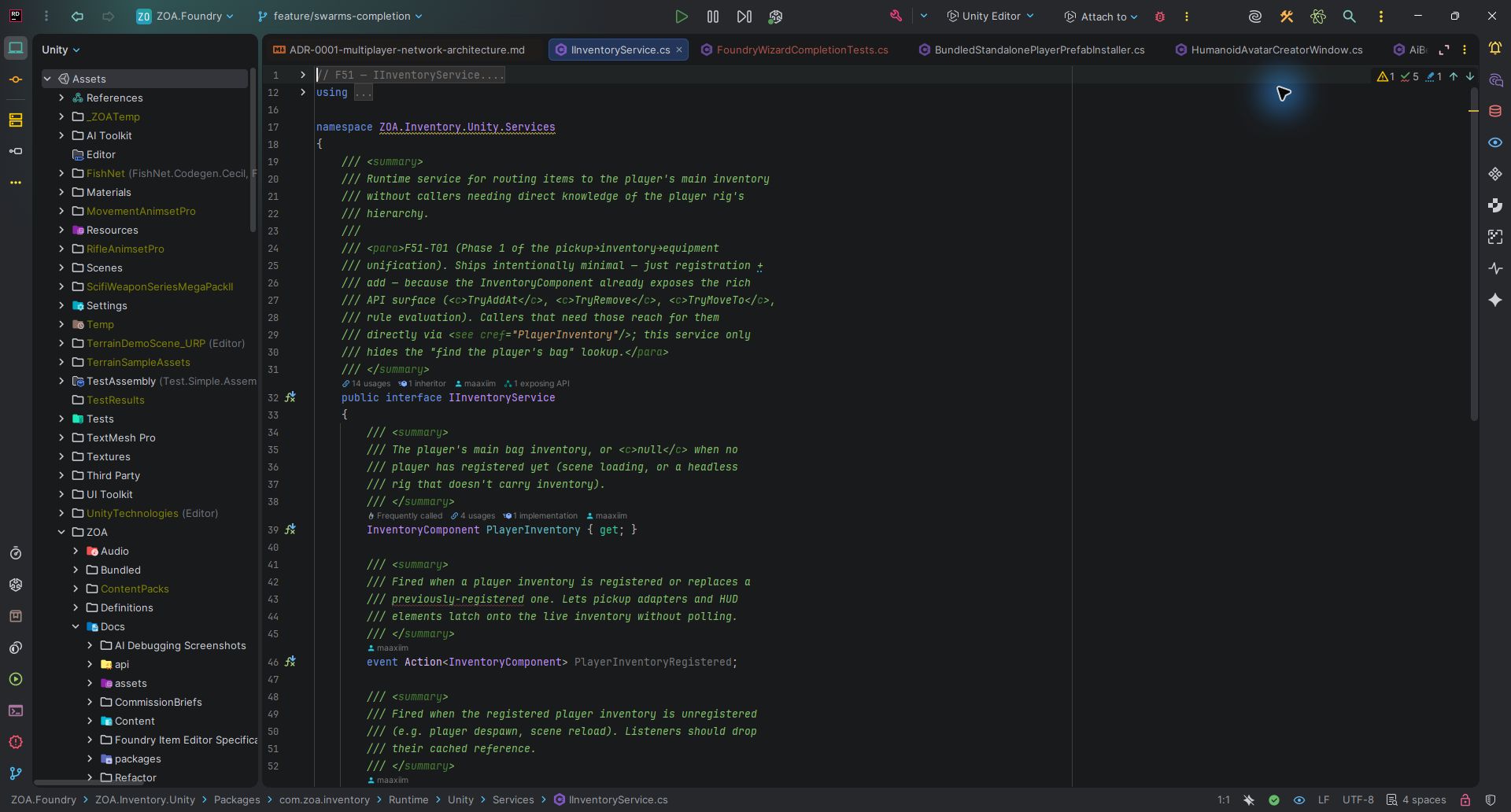
Use a service when your code needs to query or change another system. IInventoryService, for example, exposes the player inventory and operations for adding items. Check the returned result so your UI can explain a failed operation.
Use an event when other systems need to react to a change. Messaging provides synchronous, in-process publication and subscription, alongside a type-keyed service registry. Registration and subscription lifetimes still belong to the code that owns them.
Editor tools turn choices into assets
Packages contribute modules to the Workbench. Each module supplies a page or a set of tools, and the navigation catalogue places it in a workspace. The shell discovers these modules without a direct assembly reference to every package.
FoundryWizardShell provides a step rail, issue tray, and preview dock. Individual tools define their steps and validation. Authoring services perform asset creation and rig assembly; runtime services handle the game after those assets have been created.
Packages and assembly references
51 documented packages declare 218 direct ZOA package dependencies in the reviewed manifests.
A package.json manifest tells Unity Package Manager what to resolve. An .asmdef declares what a C# assembly references. Editor assemblies, runtime assemblies, and optional integrations have different requirements, so inspect both when extracting part of the development project.
The groups below organize packages by purpose. For dependency relationships, follow the links on an individual package page.
Shared infrastructure
8 packagesCore
10 packagesGameplay
12 packagesPresentation
10 packagesPlatform
4 packagesTooling
7 packagesGroups organize packages by purpose. Check each package’s manifest dependencies and assembly references when selecting an integration.
Frequently referenced packages
These counts show direct manifest references within the documented ZOA packages. They help identify the systems to examine when changing a shared contract.
| Package | Group | Dependents |
|---|---|---|
| foundation | Shared infrastructure | 41 |
| messaging | Shared infrastructure | 27 |
| ui.theming | Shared infrastructure | 12 |
| inventory | Core | 10 |
| common | Shared infrastructure | 8 |
| interaction | Core | 8 |
| networking.abstractions | Shared infrastructure | 8 |
| weaponmodding | Core | 8 |
| persistence | Core | 7 |
| animation | Gameplay | 6 |
| combat | Shared infrastructure | 6 |
| stats | Shared infrastructure | 6 |
Rendering and networking have their own adapters
Rendering Core defines semantic material and effect identifiers. URP and HDRP adapters resolve them for their pipelines. Pipeline configuration, actual art assets, and visual differences still need attention when moving a project between renderers.
Networking Abstractions provides shared contracts and protocol data. Networking supplies runtime implementations and backend integration. FishNet is the supported backend; other listed backends provide experimental presence and diagnostics integrations. Single-player fallbacks and internal loopback tools serve different purposes from a multiplayer transport.