Demo scenes
Try a player controller, rearrange an inventory, or take a weapon to the range. Each demo gives you a scene to play with and assets you can trace back to the Workbench.
Generate a scene from the Content Browser
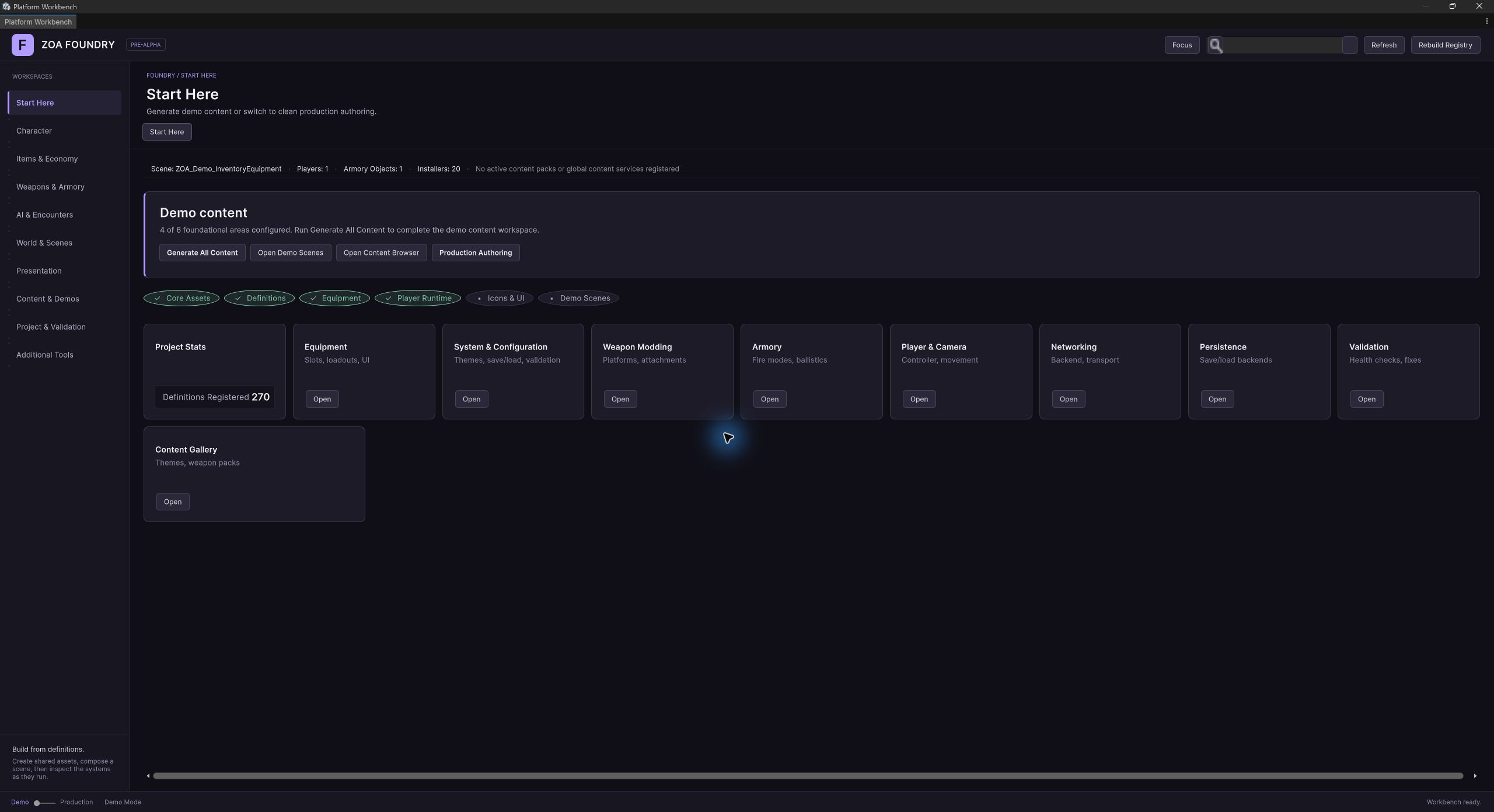
Open Content & Demos → Content → Content Browser in the Workbench. In the Demo Scenes tab, select a scene and use its generation and open actions. The same catalogue supplies the Workbench’s scene-provisioning tools.
Scenes are generated from code and authored content. Import the required samples first, review the generation report, and enter Play mode after resolving missing configuration. Keep experimental changes in a separate scene or asset variant when regeneration could overwrite them.
Movement Sandbox
Explore the player controller in a scene of platforms, ramps, and interactable props. Use it to inspect movement and camera settings before adding combat.
Explore the underlying system →Inventory & Equipment
Follow an item from a world container into the player’s inventory and equipment. Inspect footprints, slot rules, and nested containers in the generated scene.
Explore the underlying system →Weapon Combat Range
Inspect weapon assembly and the firing loop at an armory station and target range. Use the targets and runtime readouts to examine hits, ammunition, reloads, and attachment changes.
Explore the underlying system →AI Encounters
Examine agents, spawn zones, and wave progression. The terrain workflow can provide cover and vantage markers; inspect the installed tactical services when testing those behaviors.
Explore the underlying system →Full Showcase
Follow a sequence through scavenging, hold zones, a vendor visit, a boss encounter, and extraction. This scene brings several systems together and requires more generated content than a focused demo.
Explore the underlying system →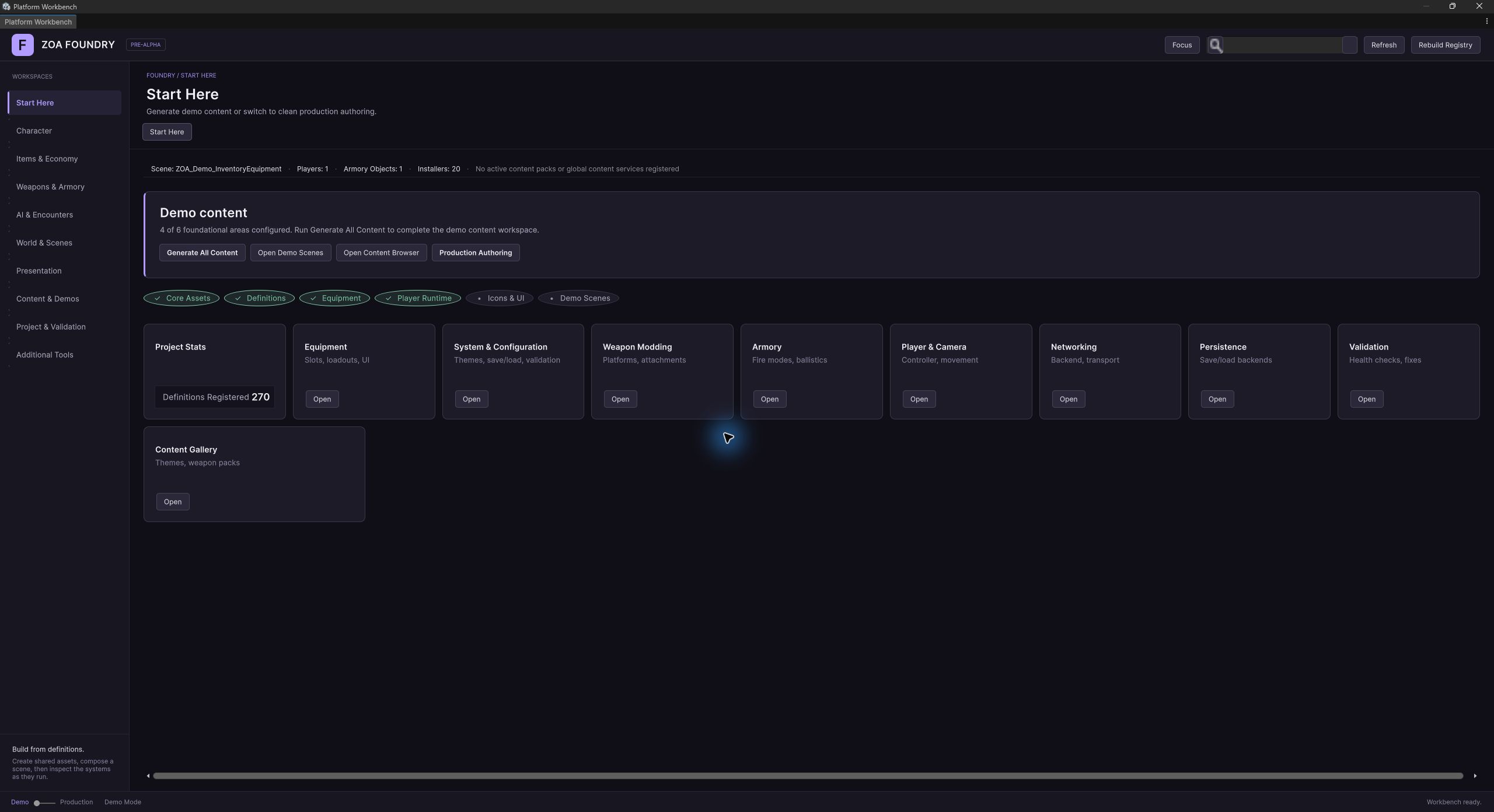
Explore a particular system
Focused showcases cover objectives, economy, progression, audio, localization, save/load, and game modes. Choose one when you want to understand a system’s behavior before combining it with the rest of your game.
The catalogue also includes third-person, split-screen, MOBA, and multiplayer examples. Check the selected scene’s dependencies before generating it. URP and FishNet are the supported targets for the core demo workflows.